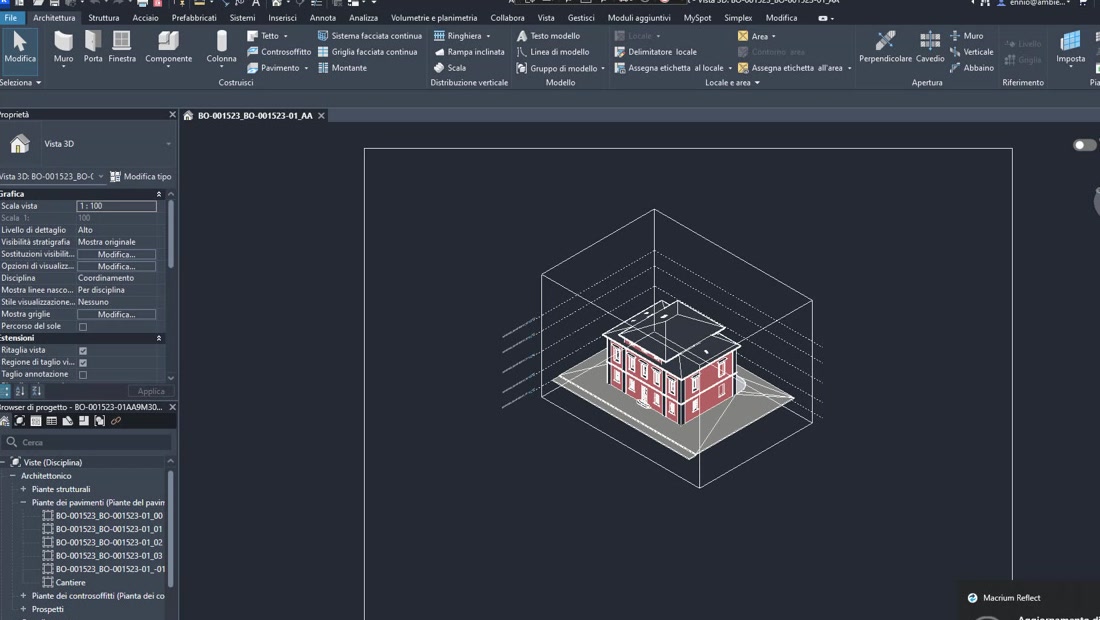
The problem
eFM manages property portfolios across Europe. Every building that enters their facility management system arrives as a Revit model delivered by an external architecture firm, and every firm has its own habits: different parameter names, different spatial conventions, more or less complete data. Before a model could feed eFM's Archibus CAFM platform, someone had to open it and check it by hand: hundreds of parameters, naming to correct, room boundaries to verify. Two or three days per model, unavoidable human error, and a bottleneck between project handover and the start of operations.
What we did
A native Revit plugin that sits inside the architect's workflow and acts as an automatic quality gate. Designers run it before delivering; eFM only receives models that already meet its standards.
The plugin does three things. It validates data: it checks every mandatory facility management parameter (room names, area calculations, plant classifications) against eFM's global rules and points out exactly what is missing or wrong. It standardises naming: it maps the project's family and type names to eFM's vocabulary in one click, so models from different firms speak the same language. It exports for Archibus: it generates data packages in the JSON/XML schema eFM's middleware expects, importable with no intermediate clean-up.
What changed
Validating a model went from two or three working days to a few seconds. Every model that comes in meets the same standard, so synchronisation with Archibus no longer throws integration errors. The architecture firms gain too: instead of correction rounds by email they get the list of things to fix directly in Revit, before handing over.