Anyone doing photogrammetry on a Mac eventually ends up on a forum asking the same thing: does this run on my laptop, or do I need to buy a PC? Fair question. For a decade the default answer was "get a PC with an NVIDIA card". In 2026 the answer is less clear-cut, but it hasn't turned into "yes, everything" either.
We went through the tools that matter and checked three things for each: whether it runs natively on Apple Silicon, whether processing happens locally or in the cloud, and how it's licensed. Where we couldn't find a reliable, recent source, we say so.
The blocker is CUDA
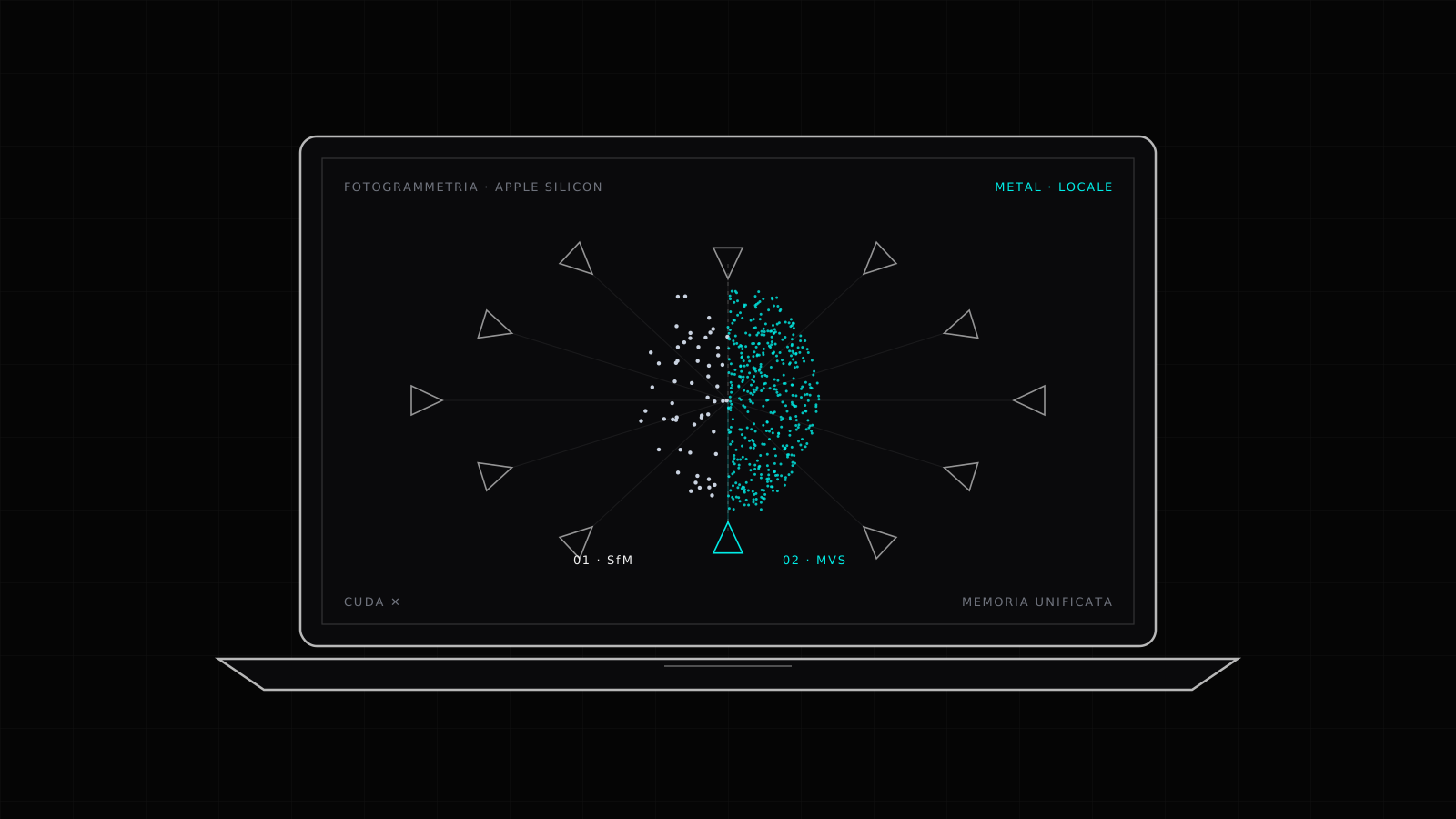
Photogrammetry has two heavy stages. The first is structure from motion (SfM): matching features across photos, estimating where the camera stood for each shot, and producing a sparse point cloud. The second is multi-view stereo (MVS): going back over image pairs and computing depth pixel by pixel, until you have the dense cloud the mesh is built from.
MVS is where the compute goes, and almost every tool born between 2010 and 2020 wrote it in CUDA, NVIDIA's GPU compute platform. Macs haven't shipped NVIDIA GPUs in years, and on Apple Silicon GPU compute goes through Metal. A CUDA-first program on a Mac either won't launch or stops halfway.
Apple Silicon does have one real advantage: unified memory. CPU and GPU share the same RAM, so a Mac with 64 or 128 GB makes all of it available to the reconstruction, where a gaming card stops at its VRAM. On large datasets you notice. Tools rewritten for Metal take advantage of it; the rest don't.
What runs locally and natively
Agisoft Metashape is the de facto standard for survey work, and it ships an official macOS build alongside Windows and Linux. The current version is 2.3.2, and the Mac Python module is distributed as universal2, built for both Intel and Apple Silicon. Two licenses: Standard at $179 and Professional at $3,499 (Agisoft's store prices for a node-locked license). The features a measured survey needs, such as control points, georeferencing and orthomosaics, are in Professional.
Apple Object Capture is an API, not an app. It arrived with macOS 12 and runs on recent Intel Macs and, much faster, on Apple Silicon. It takes JPEG, PNG or HEIC photos and returns a USDZ, USDA or OBJ model at one of five detail levels: preview, reduced, medium, full and raw. It has no interface of its own; you use it through the apps built on top of it, and the higher levels depend on hardware (developer forums report Macs that refuse the full level). It's built for objects more than buildings.
Replica is our app, so we'll present it as such. It's a native macOS photogrammetry app that does all its processing locally, on the Mac's GPU and Neural Engine, without uploading photos anywhere. It produces watertight meshes with PBR textures and exports FBX, GLB, USDZ, STL and OBJ. There's a free tier and two paid ones, with pricing on replica3d.xyz. It runs only on Mac, and it's aimed at people who need an object or a scene in a game engine, an XR project or a 3D print. If the job is a topographic survey with orthomosaics and control points, the reference tool is still Metashape Professional.
Open source: possible, with limits
COLMAP is the academic reference for SfM, and it builds on macOS without much trouble. Its dense reconstruction, though, only documents a CUDA GPU path. On a Mac you get the sparse cloud and camera poses, not the dense cloud. That sounds like a dead end, and yet it's exactly what Gaussian splatting needs: it starts from camera poses and skips MVS entirely (more on that below).
Meshroom, the front end to AliceVision, ships official releases for Windows and Linux built on CUDA; the latest, 2025.1, needs an NVIDIA GPU for the dense stage. In 2026 macOS support went back into the AliceVision codebase, with a community-built Metal backend. As of writing we haven't found an official Meshroom release for Mac that includes it, so trying it means building from source.
What doesn't run
RealityScan, the name Epic gave RealityCapture as of version 2.0, is Windows-only on desktop. On Epic's forum a moderator wrote that Mac is a frequent request but wouldn't come with 2.0. The RealityScan app for iPhone and Android is a different product: it captures from the phone.
3DF Zephyr isn't available for Mac, according to 3Dflow's own support pages.
The usual advice for both is "install Windows". Take it with care: Boot Camp only exists on Intel Macs, and a Windows virtual machine on Apple Silicon has no NVIDIA GPU, so there's no CUDA there either. On a recent Mac, these stay out of reach.
In the cloud
Polycam and Kiri Engine solve the problem by moving it: you upload the photos and reconstruction runs on their servers. They work from any Mac, including a modest one, and they're subscription-based (prices change often and sources disagree, so we'll leave them to their sites). The cost to factor in is a different one: your images leave your machine. For a catalog item that's fine. For a prototype under NDA, or a heritage site whose owner doesn't want photos circulating, it isn't.
Gaussian splatting, meanwhile, has arrived on Metal
This is where 2026 changed things. Gaussian splatting doesn't build a mesh: it optimizes millions of Gaussians starting from camera poses, and training them is a different problem from MVS. Over the past year several trainers written for Metal have shipped:
- msplat, open source, command line, no external dependencies;
- LuluSplat, a macOS app that trains on the Mac GPU and can be driven from the command line;
- RadianceKit, a native app covering alignment, training, editing and export;
- 3D Splat App by Laan Labs, free on the Mac App Store, M1 and later;
- CorbeauSplat, an open-source front end that ties together COLMAP, Brush and SuperSplat.
The cleanest Mac workflow today is COLMAP for poses and one of these trainers for the Gaussians, all local. The usual caveat holds: a splat looks great and measures badly, and for measurements and clean meshes you still need classic photogrammetry.
The overview
| Tool | On Mac | Where it processes | License |
|---|---|---|---|
| Agisoft Metashape | yes, official build | local | commercial, Standard $179, Pro $3,499 |
| Apple Object Capture | yes (system API) | local | part of macOS, used through apps |
| Replica | yes, native | local | free and paid tiers |
| COLMAP | yes, without dense cloud | local | open source |
| Meshroom / AliceVision | not in an official release | local | open source |
| RealityScan (desktop) | no | — | — |
| 3DF Zephyr | no | — | — |
| Polycam, Kiri Engine | yes, via cloud | vendor servers | subscription |
| Metal Gaussian splatting trainers | yes | local | various, some open source |
How to choose
It depends on what has to come out at the end.
If it's a survey that has to measure, with orthomosaics and coordinates, the Mac choice is Metashape Professional. If it's an asset for a game engine, an XR project or a print, a native app that uses the Mac's GPU (Replica, or one of the apps built on Object Capture) gets you to production faster. If the budget is zero and you have time to spend on setup, COLMAP plus a splatting trainer. If the Mac is light and the photos are allowed to leave, the cloud.
Whatever the tool, the model's scale is decided at capture. A scale bar in frame, or a few measured control points, matter more than any difference between one package and another.
Replica is our photogrammetry app for Mac: product page. The 3D capture work we do for clients is under Scan; for a project, get in touch.